
Automation
10 Tedious Shopify Store Tasks You Should Automate Immediately
Most Shopify store owners spend three to four hours a day on tasks that could run automatically. Order notifications, fraud tagging, inventory alerts — none of these need a human to trigger them. This guide covers the ten most automatable tasks in your store and the free or low-cost tools that handle them.
By Patrick · Founder, Virtual Freelance Solutions · 10+ years in eCommerce customer support
Why automation is the fastest way to reclaim your time as a Shopify founder
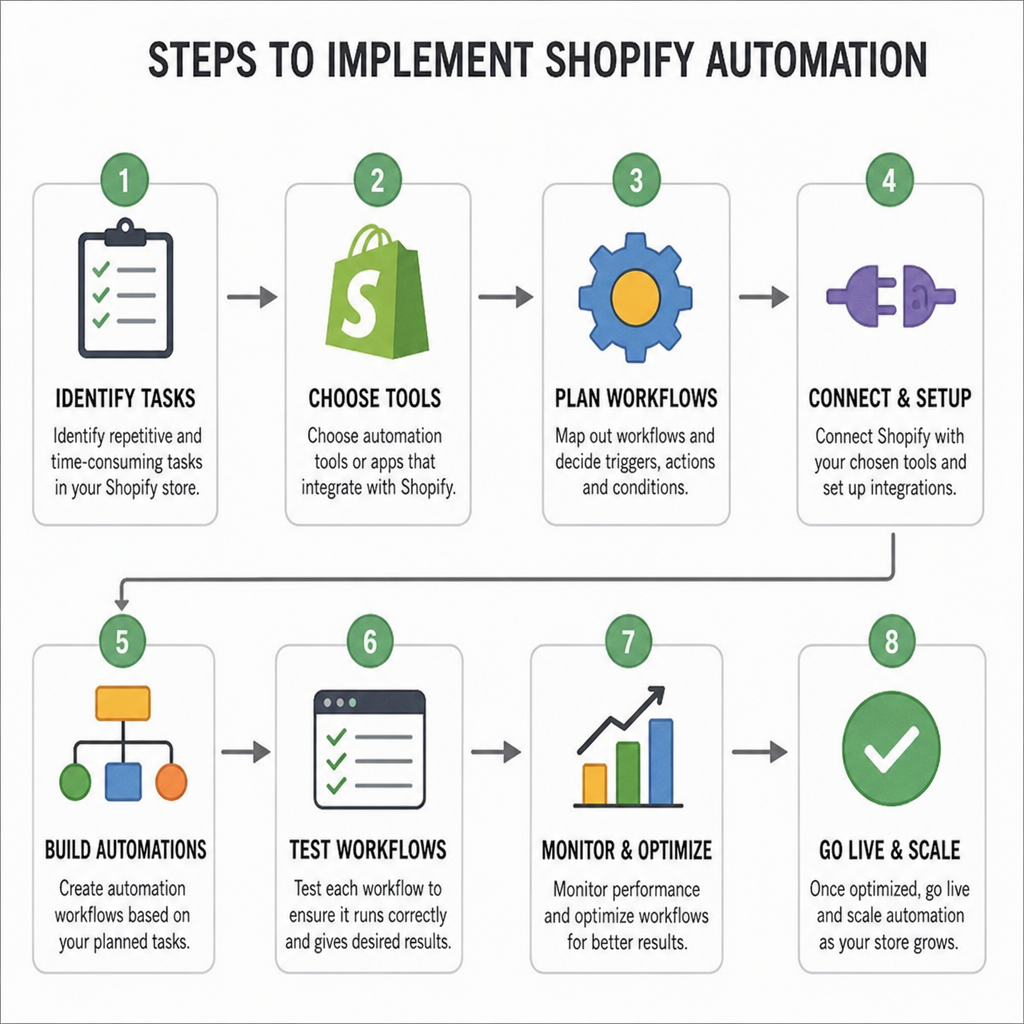
Every hour you spend on a repeatable backend task is an hour not spent on marketing, product, or growth. Shopify's built-in tools — particularly Shopify Flow — let you automate most of your operational triggers without writing a single line of code.
Task 1 — Order tracking notifications
Shopify can automatically send tracking updates to customers the moment a fulfilment is confirmed. Enable this under Settings → Notifications → Shipping confirmation. Pair it with an app like AfterShip or Trackr to give customers a branded tracking page instead of a raw carrier link.
This one automation eliminates the majority of "Where is my order" tickets before they are sent.
Task 2 — High-risk fraud order tagging
Use Shopify Flow to automatically tag orders that trigger a high-risk fraud score. Set the trigger to "Order risk level is high" and the action to tag the order "Needs Review" and send an email alert to your inbox.
This replaces the manual habit of checking every order individually each morning.
Task 3 — Low stock inventory alerts
Create a Shopify Flow workflow that sends you an email or Slack notification when a product's inventory drops below a set threshold. Set the trigger to "Inventory quantity changed" and the condition to "Quantity is less than X."
No more discovering a product sold out three days ago.
Task 4 — Abandoned cart recovery emails
Shopify sends automated abandoned cart emails by default. Make sure this is turned on under Marketing → Automations. For more control, use Klaviyo to build a three-step abandoned cart sequence with custom timing and copy.
Task 5 — Customer review requests
Use an app like Judge.me or Okendo to automatically send a review request email seven to fourteen days after delivery. Set it once and your review count grows without any manual work.
Task 6 — Return request processing
Apps like Loop Returns automate the entire return portal — customers submit a return, choose their resolution, and generate a return label without emailing your support team at all.
Task 7 — VIP customer tagging
Use Shopify Flow to automatically tag customers who spend above a set lifetime value threshold. Once tagged, you can use the tag to trigger loyalty emails or give them priority handling in your helpdesk.
Task 8 — Out-of-stock notifications
Install a back-in-stock app like Back in Stock or Klaviyo's back-in-stock flow. Customers opt in on the product page and get an automated email the moment inventory is restocked.
Task 9 — Fulfilment halts for mismatched addresses
Use Shopify Flow to pause fulfilment automatically when billing and shipping addresses do not match on a high-value order. This gives your team time to review before the order ships.
Task 10 — Wholesale or B2B order routing
If you handle wholesale orders alongside retail, use Shopify Flow or a tagging rule to route wholesale orders to a separate fulfilment queue automatically so they do not get mixed with standard orders.

Pro tip
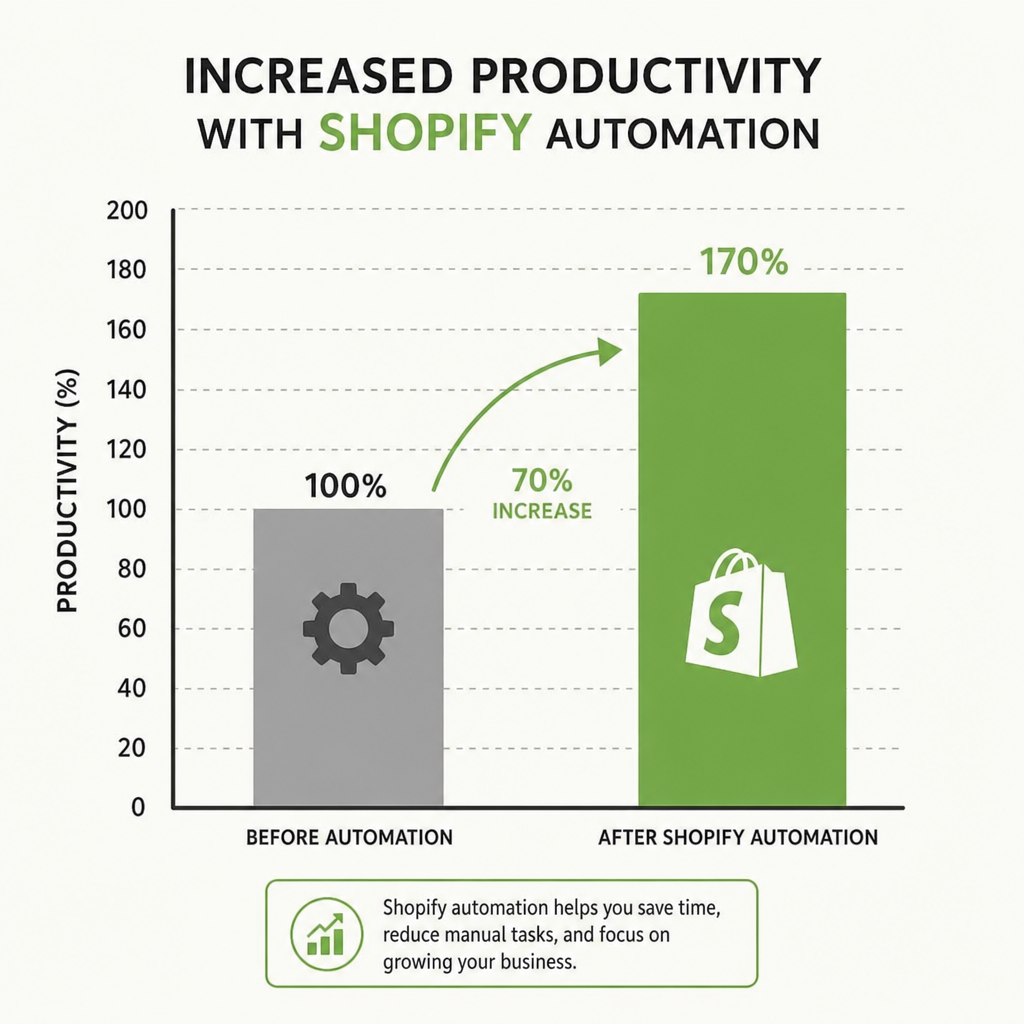
Automation handles 70% of your backend tasks — but someone still needs to manage the queue, review the flagged orders, and respond when the system hits an edge case. Our agents monitor your automated workflows from $10/hr so nothing slips through the cracks. See our pricing to get started.
Related: Gorgias customer support.
Frequently asked questions
- Do I need a paid app to automate Shopify tasks?
- Shopify Flow is free on all plans from Basic upward. Most automation use cases cost nothing beyond your existing Shopify subscription.
- Can I automate customer replies in Shopify Inbox?
- Yes. Shopify Inbox has a built-in FAQ bot that auto-answers common questions. For more advanced automation, connect Gorgias AI.
- What is the most impactful automation to set up first?
- Order tracking notifications. A single automation that tells customers where their order is eliminates the most common support ticket type overnight.
People Also Ask
- Order status updates to customers, low-stock supplier alerts, and auto-tagging orders by risk level or type — these recur daily and rarely need human judgment.
- Only if the task genuinely recurs often enough to matter — automating something you do twice a month adds setup overhead without real time savings.
- Automation without monitoring can send wrong information at scale — a broken automated email or bad routing rule affects every order it touches until someone catches it.
Related resources
Related service pages
Want to see how this would look for your brand?
We'll walk through your current support stack, ticket categories, and tooling — and show you what an operationalized version looks like inside Zendesk, Gorgias, or Help Scout.