
Operations
How to Automate Dropshipping Fulfillment on Shopify
If you want to automate dropshipping fulfillment on Shopify, start with the order handoff. Remove repeat work without hiding failed orders.
A good setup routes routine work and flags failures fast. Keep a person responsible for cases that leave the normal path.
By Patrick · Founder, Virtual Freelance Solutions · 10+ years in eCommerce customer support
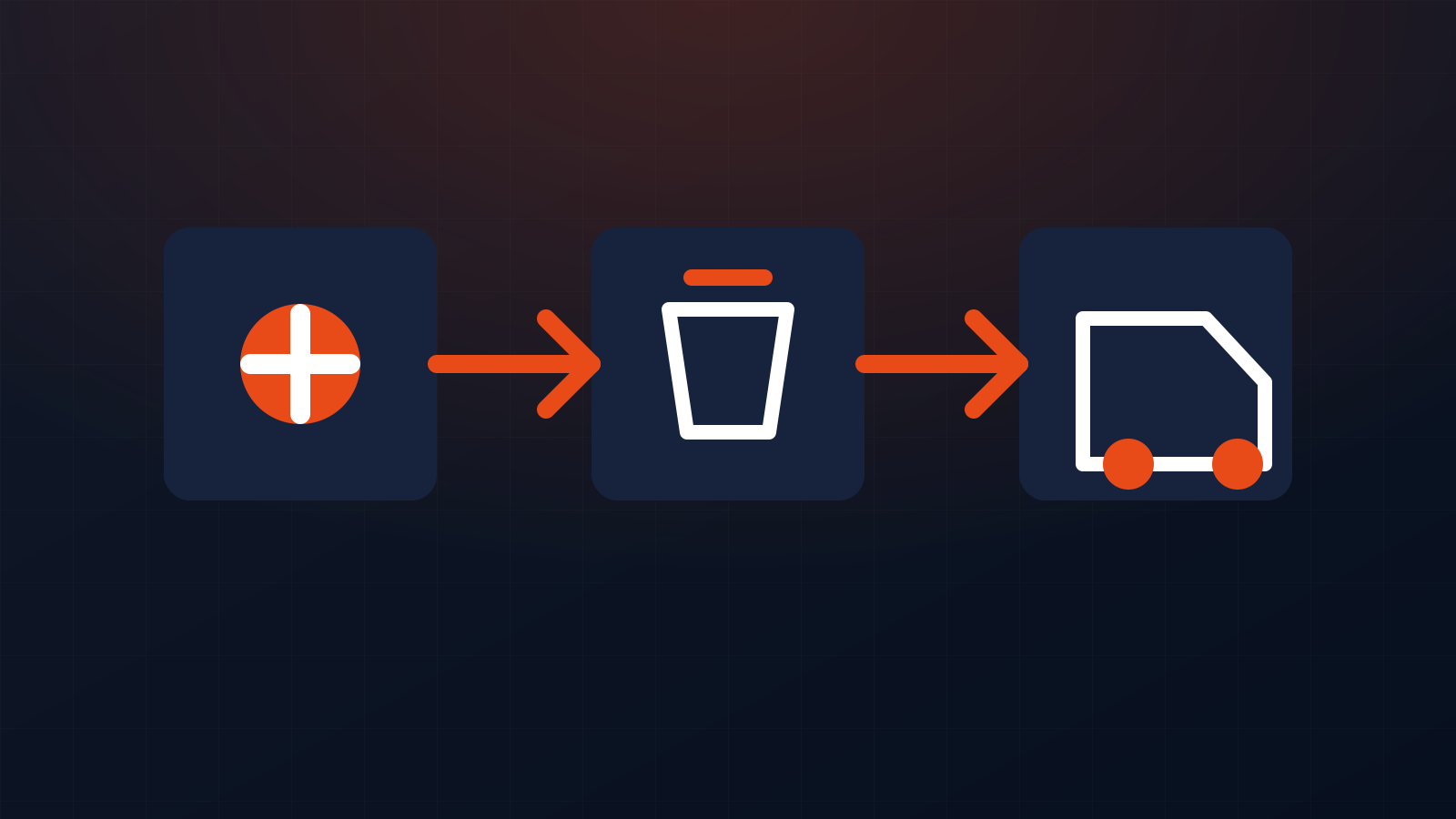
What dropshipping fulfillment tools can do
In a dropshipping store, the supplier ships the item to the buyer. Shopify records the sale.
The order still has to reach the supplier. Tracking also has to come back to the store.
A fulfillment app can link those steps.
Based on the app and supplier, it may help you:
- send order details to the supplier.
- map products and variants.
- sync stock or stock status.
- update prices after supplier price changes.
- place eligible supplier orders.
- pull tracking numbers back into Shopify.
- send shipping updates after tracking is ready.
- flag orders that need a person.
Shopify’s fulfillment-app guidance says dropshipping apps do not all work the same way. Some update the order when the supplier ships. Others still need you to place or approve the order in the app.
That means “auto fulfillment” can mean more than one thing. It may only mean tracking sync. In another app, it may also place supported supplier orders.
Follow the current help guide for the app you use. Do not copy one Shopify setting from a guide and apply it to every supplier.

Choose the supplier model before you choose the app
Start with the source of the product. The right setup depends on where the item comes from and how the supplier takes orders.
Marketplace or supplier-network apps
Apps such as DSers, AutoDS, Spocket, and Zendrop link Shopify to suppliers or product networks. They can cut much of the work between a new sale and shipment.
This is often the easiest setup for a store that is testing products. It can also work well when your supplier is already supported by the app.
Your own supplier or sourcing agent
You may have a private supplier, sourcing agent, or maker. Ask how they want to get orders.
The link may use:
- a Shopify app.
- a supplier portal.
- an API.
- a fulfillment service.
- a data feed.
- a manual step for edge cases.
Do not force a generic dropshipping app into the flow if your supplier already has a good link to Shopify.
Shopify Collective
Shopify Collective is another choice for eligible Shopify stores. It lets retailers sell products from other Shopify brands.
Collective sends the supplier an order and syncs fulfillment details back to the retailer. It is not the same as AliExpress-style dropshipping.
DSers vs AutoDS vs Spocket vs Zendrop
There is no one best app for every store. Pick the tool that fits the suppliers you plan to use.
DSers
DSers is built around AliExpress order work. It can help with bulk orders, product mapping, and tracking sync.
DSers also supports backup supplier mapping. But a backup does not mean the app will always switch suppliers by itself.
DSers says an out-of-stock item still needs you to remap or switch the supplier. Use DSers when its sourcing channels fit your store and you are willing to manage mapping.
AutoDS
AutoDS works with many source suppliers. It also offers more than one order method.
For supported suppliers, its full setup can place eligible orders and sync tracking. Other flows can be partly manual.
AutoDS also checks price and stock for supported items. But those checks are not instant.
AutoDS says it scans source data several times per day. A price or stock change can happen between scans.
It also says its normal stock check does not search for and switch to a new supplier by itself. Treat a supplier change as an edge case that needs a person.
Spocket
Spocket links Shopify with products and suppliers in its network.
Its tools can sync stock, orders, and tracking in supported flows. The exact steps can vary based on the account and which side of the network you use.
Check the live order flow before you call it fully automatic. The key question is simple: which steps happen by themselves, and which steps still need a person?
Zendrop
Zendrop links product sourcing and fulfillment in one platform. Its Shopify link is built around order and shipping work inside the Zendrop network.
It can be a good fit when you want sourcing and fulfillment in one tool.
Still, test the real product flow. Check stock, ship-from location, processing time, delivery time, and tracking. Those facts matter more than a long feature list.
How to automate dropshipping fulfillment on Shopify
Use this order when you build the setup. It helps you avoid adding tools on top of a weak supplier flow.
1. Confirm how each product will ship
List each product and the supplier that will ship it.
Record:
- supplier name.
- supplier product or SKU.
- ship-from location.
- normal handling time.
- normal delivery range.
- return steps.
- tracking method.
- backup supplier, if you have one.
If two suppliers can ship the same item, pick the main supplier before orders start.
2. Connect one main fulfillment system
Pick one main app or supplier link for that product set.
Avoid two apps that both control stock, product mapping, or order work for the same SKU. Two systems can send the wrong data back and forth.
After you connect the app, check the store, products, variants, and fulfillment locations.
3. Map products and variants with care
A product can look right on the store and still fail after a sale.
Check the size, color, bundle, SKU, and supplier option. Do this again when you change suppliers.
Stock errors can come from a bad variant map, not only a true stockout. Check mapping before you change suppliers.
Do not wait for a paid order to find that problem.
4. Set the order flow inside the app
Use the current setup guide for your app.
AutoDS, for example, has full and part-manual order modes. Those modes have different needs. DSers has its own order and tracking flow.
Do not use a blanket rule such as “always turn on” or “always turn off” Shopify auto fulfillment. Shopify says app flows can differ.
The app’s current help docs should guide the setting.
5. Turn on stock and price checks
If your app can check supplier stock or price, set those tools up.
Then write down what your team should do when:
- stock reaches zero.
- one variant goes out of stock.
- the supplier price jumps.
- the ship time gets too long.
- the supplier removes the item.
A stock tool can stop many bad orders. It cannot replace an edge-case plan.
6. Build a backup supplier plan
For a top seller, find a backup before the main supplier fails.
Record:
- the backup product link.
- matching variants.
- cost change.
- ship-time change.
- pack or branding changes.
- who can approve the switch.
Do not tell your team that the app will switch by itself unless you have tested that exact flow.
DSers and AutoDS both state limits around automatic supplier switching. In many setups, a person still has to remap or choose a new source.
7. Set honest shipping promises
Fast order routing does not make a slow supplier ship faster.
Show a ship or delivery promise that your real setup can meet. Use the supplier’s normal handling and transit times. Add room for known risk where needed.
For US orders, the FTC has rules for online shipping promises. A seller needs a sound basis for the time it states. If no ship time is stated, the rule generally uses 30 days.
If you cannot ship on time, you may need to tell the buyer and give the required delay choice. In some cases, you must refund the order.
This is why supplier delay checks belong in the fulfillment flow.
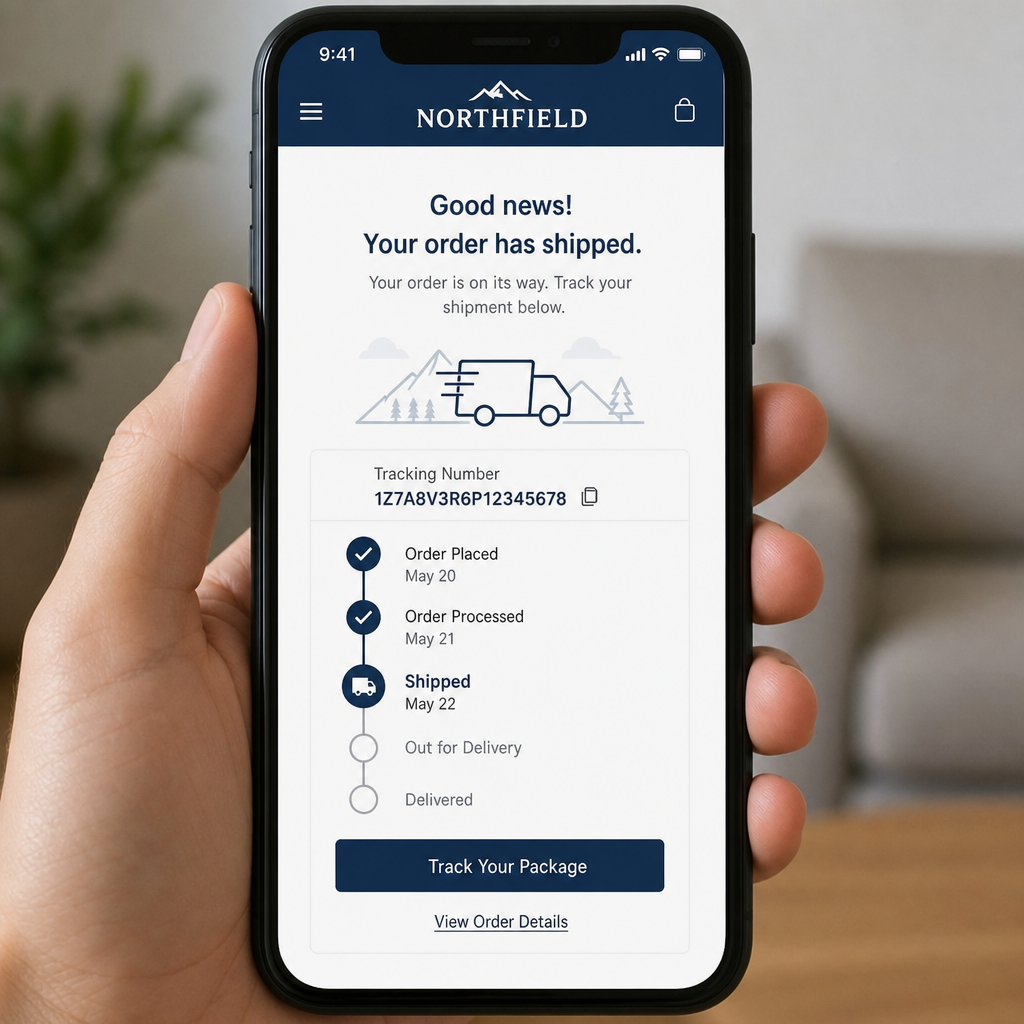
8. Set up tracking and buyer updates
The job is not done when the supplier accepts the order.
Check that tracking:
- is made by the supplier.
- reaches the fulfillment tool.
- updates the Shopify order.
- sends the buyer update you expect.
Tracking gaps create “Where is my order?” tickets.
Tracking can still arrive through several supplier emails and carrier formats. A delay before Shopify receives tracking can leave support without an answer.
If your supplier does not support clean tracking sync, choose a fix. That may be another tool, an email parser, or a person who owns the queue.
If you receive non-standard carrier numbers, see our custom tracking number guide.
9. Place a real test order
Do not stop at a green “connected” badge.
Place an order through the store. Follow it from sale to tracking.
Check that:
- the right item and variant reached the supplier.
- the right address was sent.
- the supplier cost was right.
- the order got the right status.
- the supplier accepted it.
- tracking came back to Shopify.
- the shipping email looked right.
- the tracking link worked.
Fix every break before paid traffic raises the order count.
The failed-order queue matters more than the normal order
The normal order is easy. The hard work starts when something changes after the buyer has paid.
Your daily or set review should look for:
- failed supplier orders.
- payment or balance errors.
- out-of-stock items.
- out-of-stock variants.
- supplier price jumps.
- orders stuck in processing.
- missing tracking.
- bad or incomplete addresses.
- duplicate orders.
- supplier cancellations.
- long ship times.
- wrong or damaged items.
- refund or cancel requests.
Many setup guides skip this part.
At scale, someone still needs to watch order states, chase suppliers, manage stockouts, and keep tracking current. That owner should also work closely with customer support.
The app handles repeat tasks. A person still has to own failures.
For a deeper handoff process, see our order escalation guide.
What to do when a supplier runs out of stock
First, stop new buyers from ordering an item you cannot ship.
Then check open orders.
For each order:
- check if one variant or the full item is out of stock.
- check the approved backup supplier.
- compare cost, ship time, and product match.
- remap or switch if your app needs it.
- confirm the open order will use the new source.
- tell the buyer if the ship promise changes.
- note why the supplier changed.
DSers’ stock-alert guidance says its alerts do not switch suppliers for you. AutoDS’ monitoring guidance also says normal monitoring does not find a new source by itself.
A written backup plan is safer than hoping the app will solve the stockout.
How to stop tracking gaps from creating support tickets
Treat tracking as an order handoff, not just an email.
Set a time limit for shipped orders that still have no usable tracking in Shopify.
When an order passes that limit, check:
- did the supplier ship it.
- did the supplier issue a valid number.
- did the number reach the app.
- did the app send it to Shopify.
- did the buyer email go out.
- does the tracking page know the carrier.
For the buyer-facing side, see our late shipping guide for Shopify dropshipping stores and last-mile tracking guide.
Returns, refunds, and delays still need rules
Do not let software decide every refund.
Write clear rules for:
- cancel before supplier processing.
- cancel after the supplier order is placed.
- wrong item.
- damaged item.
- item not received.
- return-to-supplier steps.
- reship approval.
- refund approval.
- cases where the supplier denies fault.
If you miss the ship promise you gave the buyer, follow the rules that apply to that order.
For US sales, review the FTC shipping rule guide.
For refund and payment dispute work, see our refund, dispute, and chargeback workflow guide.
When to move from direct dropshipping to a 3PL
There is no single sales number that tells you when to move to a 3PL.
Look at the work and the math.
A 3PL may be worth a review when:
- one product sells at a steady rate.
- direct shipping is too slow.
- bulk stock lowers total unit cost.
- you need more control over packaging.
- overseas returns are hard.
- supplier delays are hurting support.
- you need tighter stock and ship control.
Compare total landed cost, speed, return steps, and stock risk. Do not use monthly sales alone.
If you use a warehouse or several suppliers, see our supplier and 3PL follow-up guide. It covers the handoffs that still need an owner.
What should not run without human review
Use tools for repeat work. Keep a person in the loop when a bad choice can hurt the buyer or your margin.
Human review is still useful for:
- choosing suppliers.
- approving a supplier switch.
- checking samples.
- handling large cost changes.
- unusual refunds or reships.
- fraud or payment disputes.
- hard complaints.
- supplier disputes.
- deciding when to drop a product.
The best setup gives the right person a smaller list of hard cases.
It does not try to remove every person from the store.
Where customer support fits
Fulfillment and support should use the same facts.
Support should be able to see order status, supplier notes, tracking, and delay reasons. That helps agents answer without guessing.
The fulfillment side should also see repeat complaints. A run of late-delivery tickets may point to one supplier or SKU.
A good handoff says:
- which order issues support can solve.
- which cases need supplier contact.
- when support can refund or reship.
- when a manager must approve the next step.
- how repeat problems get reported.
If the queue is too large to own yourself, VFS can run approved support work. We work inside your current store and helpdesk.
See eCommerce customer service outsourcing or Shopify customer support outsourcing.
Frequently asked questions
- Does Shopify automatically fulfill dropshipping orders?
- Shopify supports several app and fulfillment-service flows. Some update the order when the supplier ships. Others still need you to place or approve the supplier order.
- Should I enable Shopify automatic fulfillment for dropshipping?
- Follow the setup guide for your app and supplier. Do not use one setting for every app. Shopify says app fulfillment flows can differ.
- Does DSers switch to a backup supplier when stock runs out?
- No. DSers can track stock and supports supplier mapping. Its current help guide says you still need to remap or switch the supplier when an item is not available.
- Can AutoDS fully automate Shopify dropshipping orders?
- It can automate eligible orders for supported suppliers when the needed order settings are in place. Some AutoDS flows are full, while others are part-manual. The exact flow can also depend on balance, credits, buyer account, and supplier support.
- How do I stop missing tracking from creating WISMO tickets?
- Set a time limit for shipped orders with no usable tracking in Shopify. Check those orders each day. Find out if the supplier made tracking and whether the app passed it to Shopify.
- When should I move a winning product to a 3PL?
- Use cost and service signs, not one sales number. Compare ship speed, total unit cost, return work, pack control, stock risk, and steady demand. Move when the gains are worth the stock and 3PL cost.
Related resources
Related service pages
Want to see how this would look for your brand?
We'll walk through your current support stack, ticket categories, and tooling — and show you what an operationalized version looks like inside Zendesk, Gorgias, or Help Scout.